Local image & video generation with FLUX and Wan2.1
From DALL·E prompts in 2023 to a fully offline pipeline on an RTX 3090
- flux
- wan2.1
- comfyui
- diffusion
- rtx-3090
The clip at the top of this page never touched a cloud service. The still was generated with FLUX and then animated with Wan2.1 image-to-video, both running in ComfyUI on a single NVIDIA RTX 3090 (24 GB). Three years ago the same idea meant typing prompts into DALL·E and waiting for a server somewhere else to answer. This page is the story of that shift, and a practical map of what runs on consumer hardware today.
Where it started: DALL·E, 2023
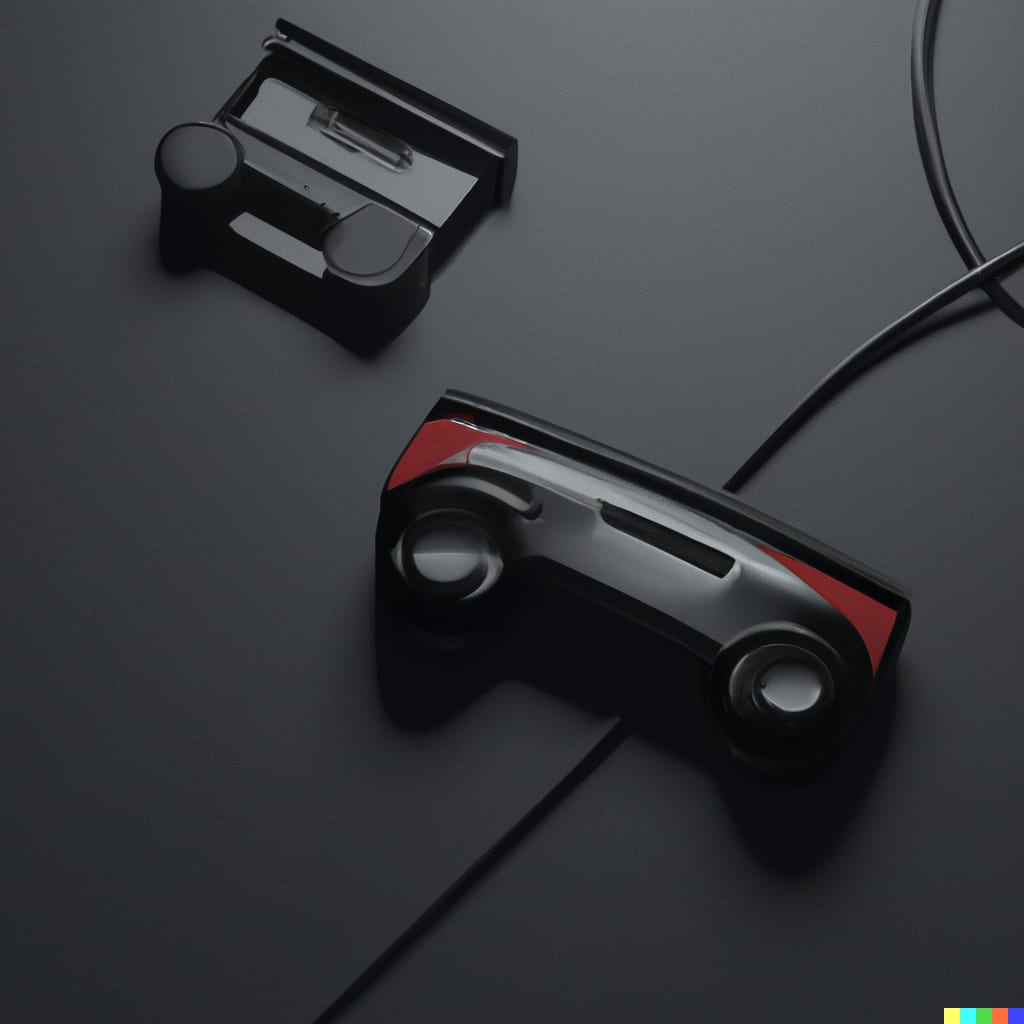
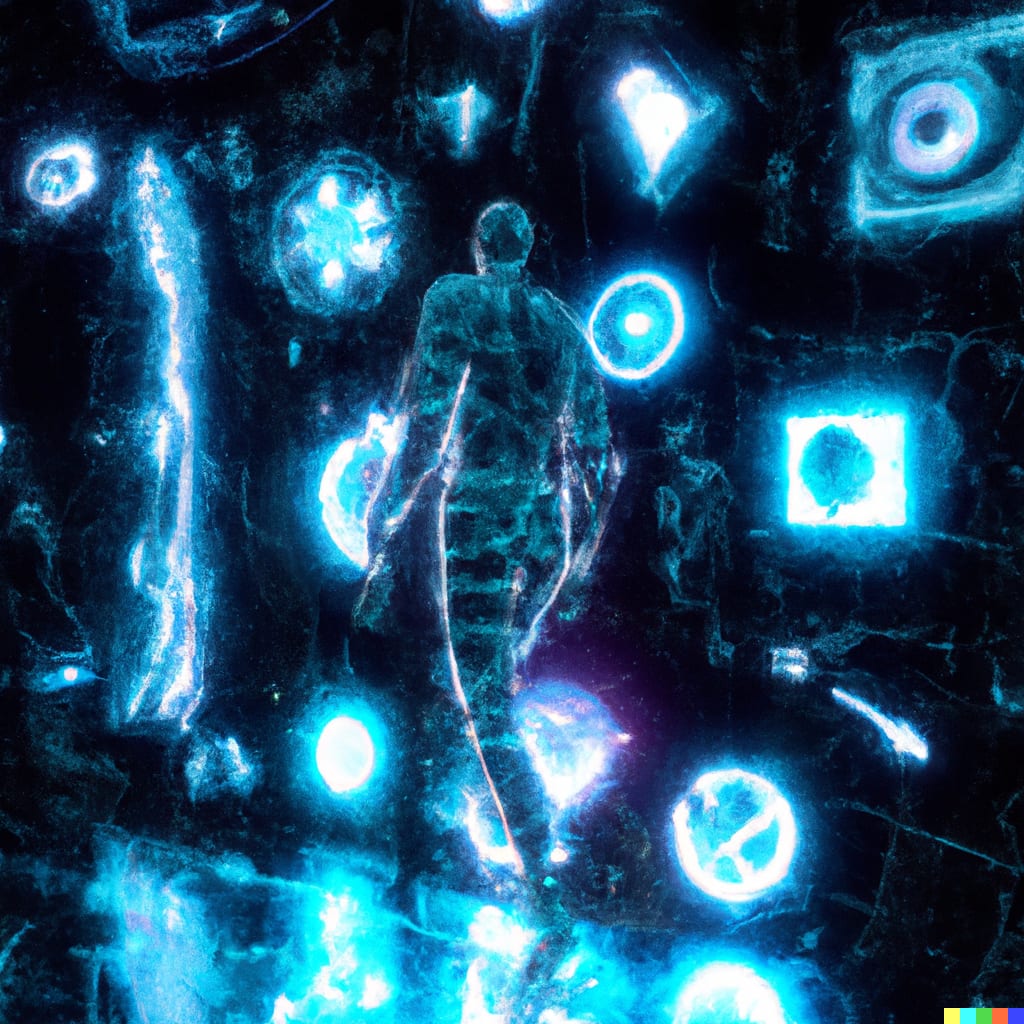
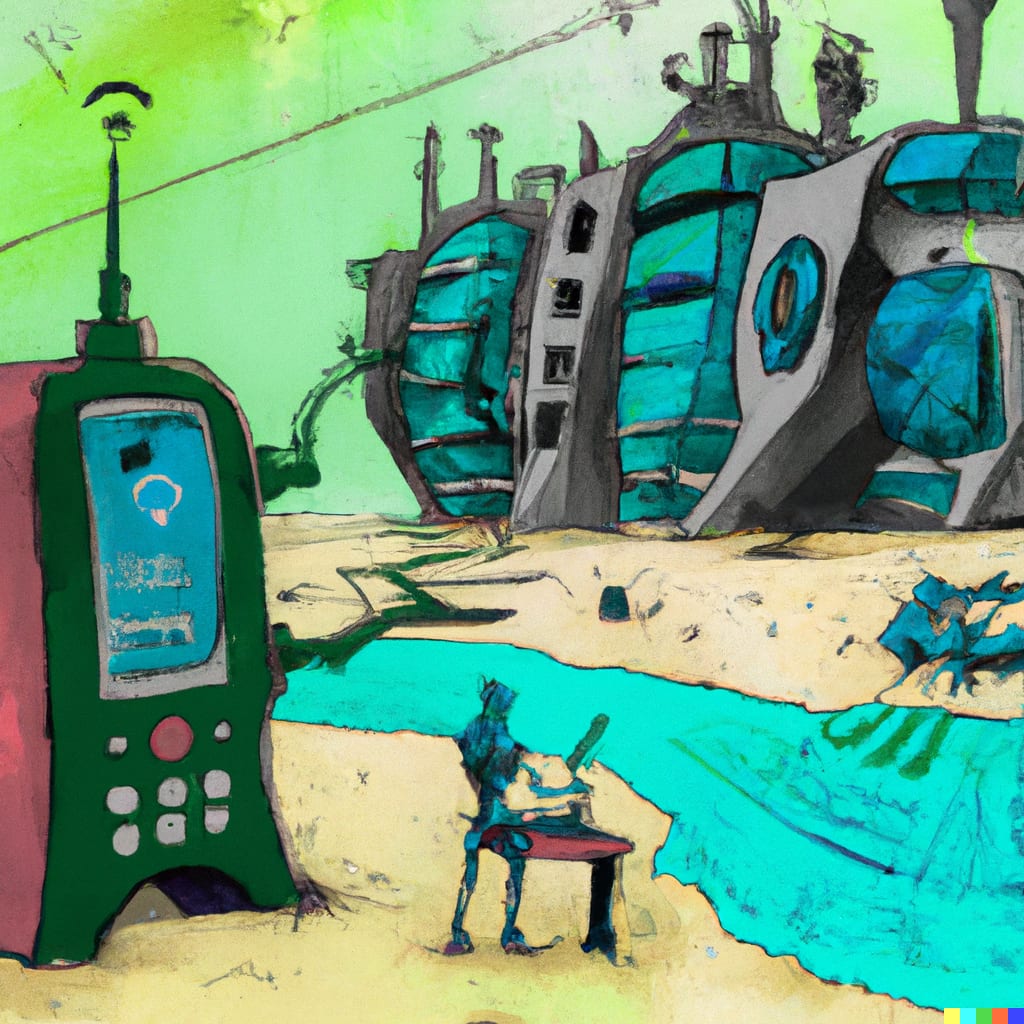
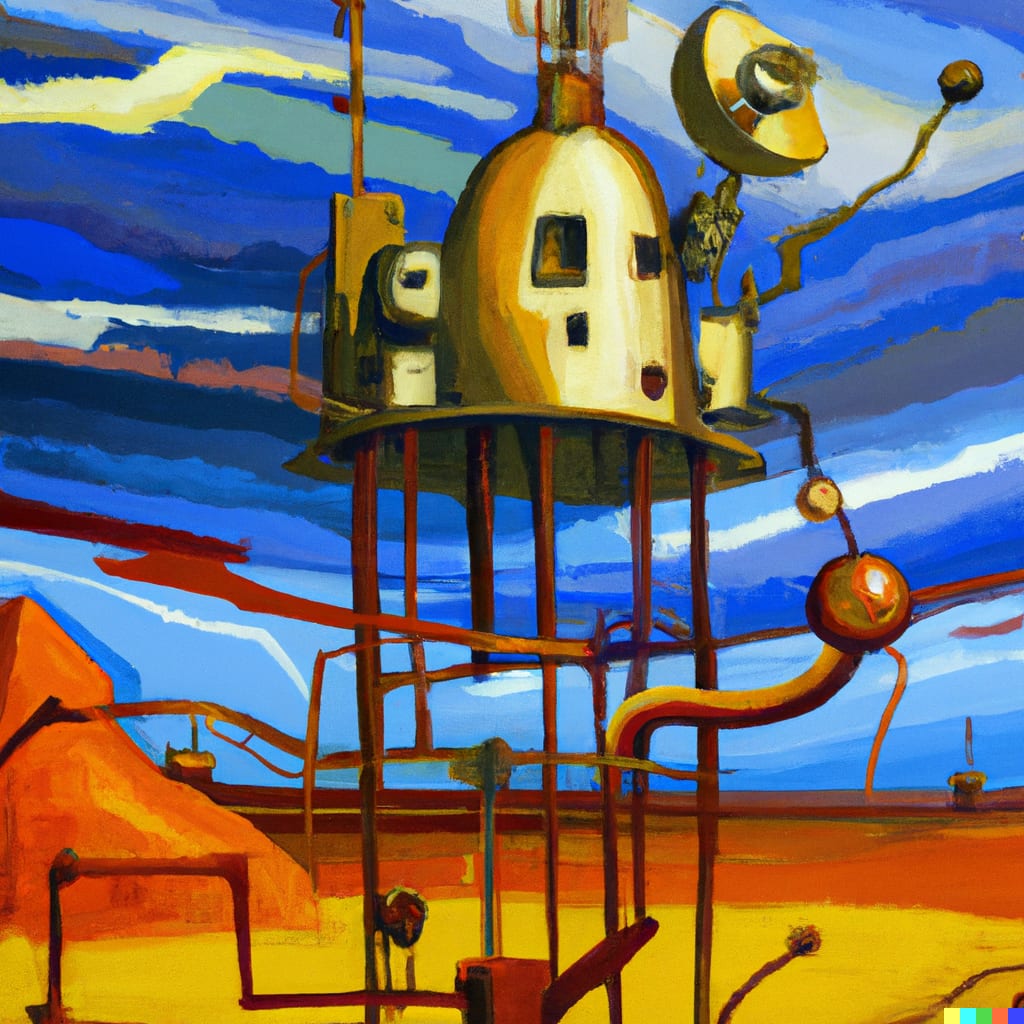
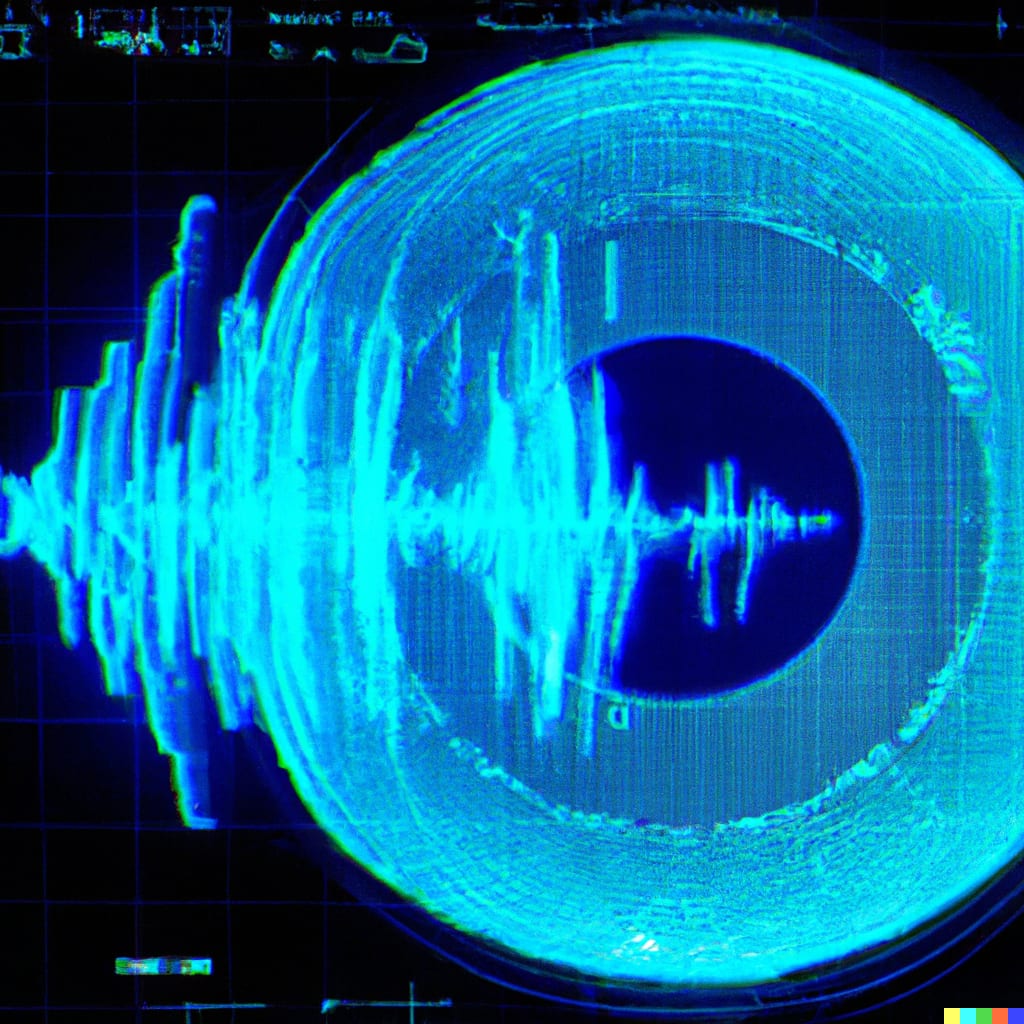
In 2023 I published a small gallery here to introduce text-to-image generation to colleagues. The images came from DALL·E 2 through OpenAI’s web interface: no control over the model, no seeds, no way to fine-tune, and every image left the machine. It was magic, and it was also a black box.

Where it is now: everything local
The pipeline behind the hero clip has three stages, all inside ComfyUI:
- Image — FLUX.1 [dev], fp8. 12 billion parameters. In bf16 the transformer alone is ~24 GB, which does not leave room for the T5 text encoder on a 3090, so I run the fp8 checkpoint (~12 GB) with the fp8 T5-XXL encoder. 20–28 steps at 1280×720, Euler sampler, guidance 3.5. The look you see (natural skin, believable neon bloom, coherent Japanese-style signage) is what made FLUX the most used open image model.
- Video — Wan2.1 I2V-14B 720p, fp8. The still is fed to the
WanImageToVideonode together with a short motion prompt (“slow push-in, rain falling, he turns his head slightly”). The 14B model in fp8 plus the UMT5-XXL encoder in fp8 fit in 24 GB with the text encoder offloaded to CPU. 49 frames at 16 fps → about three seconds of motion, later trimmed to the loop you see. - Post — interpolation and encode. RIFE 2× to 24/30 fps, then H.264 and VP9 exports for the web.
Open-weight image models you can run at home
My working shortlist of open-weight text-to-image models, sortable by any column. Each model name links to its card, where the licence and usage terms live. “VRAM” is a practical figure for a single GPU; with GGUF weights and offload most of them go lower, at the cost of speed.
| Stable Diffusion 1.5 | Runway / Stability AI | 2022-10 | ≈0.9B | 4 GB | Huge LoRA / ControlNet ecosystem, very fast |
| SDXL 1.0 | Stability AI | 2023-07 | 3.5B (base) | 8 GB | Mature fine-tunes, good composition |
| Stable Diffusion 3.5 Medium | Stability AI | 2024-10 | 2.5B | 10 GB | Balanced quality on mid-range GPUs |
| Stable Diffusion 3.5 Large | Stability AI | 2024-10 | 8B | 18 GB (bf16) / ~12 GB fp8 | Prompt adherence, typography |
| FLUX.1 [schnell] | Black Forest Labs | 2024-08 | 12B | 24 GB (bf16) / ~12 GB fp8 | 1–4 steps, fully open license |
| FLUX.1 [dev] | Black Forest Labs | 2024-08 | 12B | 24 GB (bf16) / ~12 GB fp8 | Photorealism, most popular open model |
| FLUX.1 Kontext [dev] | Black Forest Labs | 2025-06 | 12B | 24 GB (bf16) / ~12 GB fp8 | Instruction-based image editing |
| FLUX.1 Krea [dev] | Black Forest Labs × Krea | 2025-07 | 12B | 24 GB (bf16) / ~12 GB fp8 | Natural look, avoids the "AI sheen" |
| Qwen-Image | Alibaba Tongyi | 2025-08 | 20B | 20 GB fp8 / ~8 GB GGUF Q4 | Best-in-class text rendering, editing |
| Z-Image-Turbo | Alibaba Tongyi | 2025-11 | 6B | 16 GB | 8 steps, photoreal, bilingual text |
| FLUX.2 [dev] | Black Forest Labs | 2025-11 | 32B | fp8 on 24 GB RTX (with offload) | Generation + multi-reference editing in one model |
| FLUX.2 [klein] 4B | Black Forest Labs | 2026-01 | 4B | ~13 GB | Sub-second generation, fully open |
| FLUX.2 [klein] 9B | Black Forest Labs | 2026-01 | 9B | ~20 GB | Klein quality ceiling, editing |
Last updated: 2026-09-27. Each model links to its card, where the licence and terms of use are listed.
How I choose. For personal work FLUX.1 [dev] and its Krea variant are still my default for photorealism. Qwen-Image when the picture contains text, Z-Image-Turbo or FLUX.2 [klein] 4B when I need many iterations fast on 16 GB. FLUX.2 [dev] is the current quality ceiling for editing with several reference images, but at 32B it is a stretch on a 3090.
Open-weight video models
Video is where local generation got interesting in 2025. The table lists what I have run or evaluated; the VRAM column is the community figure for 24 GB cards using fp8/GGUF weights and offload, which is often far below the “official” single-GPU requirement.
| Wan2.1 T2V-1.3B | 2025-02 | 1.3B | Text-to-video | 480p | 8 GB | Entry point; fast on any modern GPU |
| Wan2.1 I2V-14B (480p / 720p) | 2025-02 | 14B | Image-to-video | 480p or 720p, 16 fps | 24 GB (fp8 + offload) | The model behind the clip on this page |
| Wan2.2 TI2V-5B | 2025-07 | 5B | Text/Image-to-video | 720p, 24 fps | 24 GB (with offload) | High-compression VAE; fast but softer output |
| Wan2.2 T2V / I2V-A14B (MoE) | 2025-07 | 27B total / 14B active | Text-to-video, Image-to-video | 480p or 720p | 24 GB (fp8/GGUF + offload); official ≥80 GB | Two experts (high-noise / low-noise); best open quality |
| HunyuanVideo 1.5 | 2025-11 | 8.3B | Text-to-video, Image-to-video | 480p–720p, 5–10 s (+1080p super-res) | 14 GB (with offload) | Lightweight; step-distilled variants available |
| LTX-2 | 2026-01 | 19B | Text/Image-to-video with synchronized audio | Multi-scale pipeline with 2× spatial/temporal upscalers | fp8 / nvfp4 checkpoints for consumer GPUs | First open DiT to generate audio + video jointly |
Last updated: 2026-09-27. The VRAM figures are what the community achieves on 24 GB cards with fp8/GGUF and offload in ComfyUI; official requirements are usually far higher.
Why Wan2.1 for the clip? Because in early 2025 it was the first open model with an Apache-2.0 licence, a 14B image-to-video checkpoint and a ComfyUI workflow that actually fit in 24 GB. Wan2.2’s MoE models look better but are slower on a 3090; HunyuanVideo 1.5 is the lightest quality option today; LTX-2 is the one to watch because it generates audio and video together.
What I learned
- Licences matter more than benchmarks. Some of the best models don’t allow commercial use; each linked model card lists its terms.
- fp8 changed everything for 24 GB cards. Without it, 12B–14B diffusion transformers would be out of reach on a 3090.
- Image first, then motion. Getting a strong still from FLUX and animating it with I2V gives far more control than text-to-video, and it is cheaper to iterate.
- ComfyUI is the operating system of this space. Every model above ships with a ComfyUI workflow within days of release.
If you want the workflow JSON behind the clip on this page, ask me on LinkedIn.